 OrdenZ
Make room for the morning rush
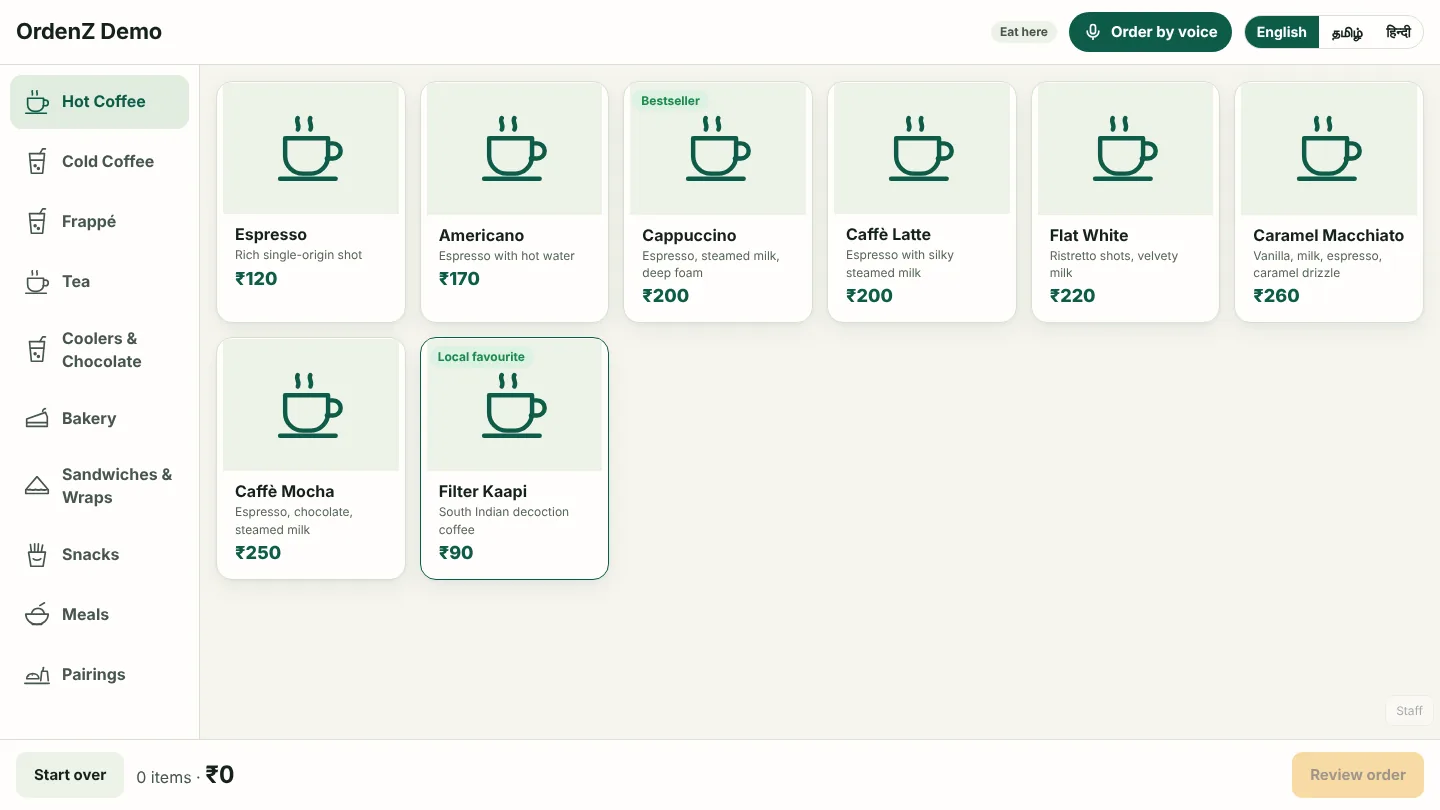
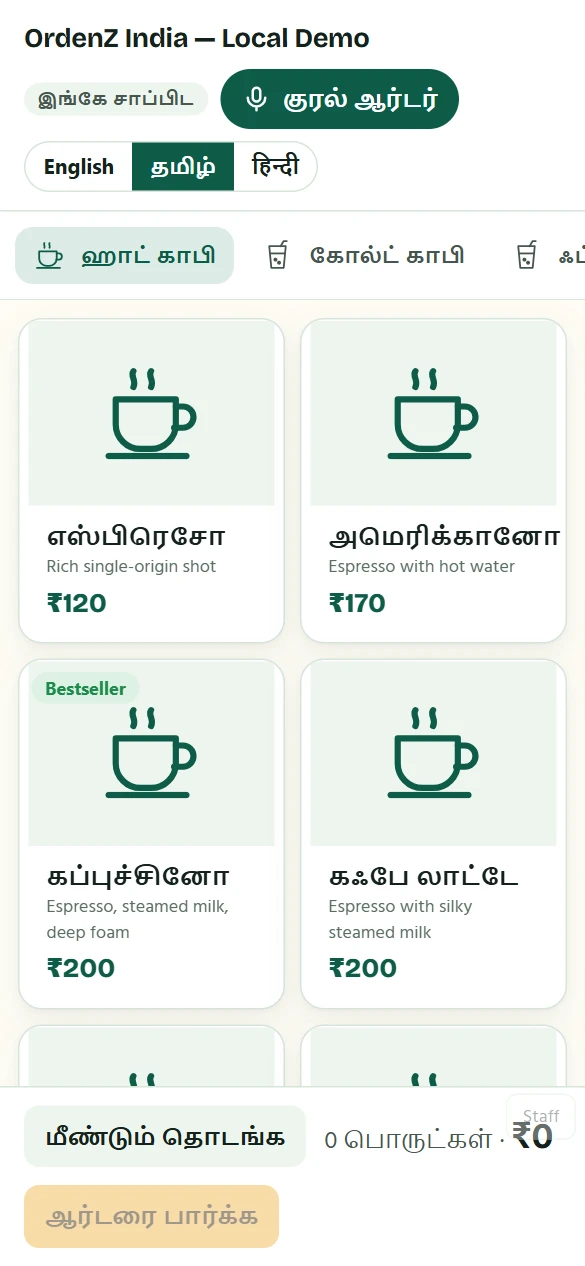
Let regulars order on a kiosk in their own language while your team makes coffee. Every order arrives in the kitchen with its options.
Customers order themselves →From the first coffee at 7 am to the cash count at closing, OrdenZ runs your counter, kiosk, kitchen and back office on the tablets you already have.
Free to start · 30-day Pro trial from your first bill · India & Malaysia
Here's a normal Saturday with OrdenZ. Each colour is a part of the app, the same colour you'll see on its tab.
The cashier counts ₹2,000 of float into the cash drawer. The shift starts, and every rupee from now on is accounted for.
Cash drawer · CashierOffice regulars order filter kaapi on the kiosk in Tamil or English and pay by UPI. The token TV calls their number when it's ready.
Self-order kiosk · Token TVTickets from the kiosk, counter and tables arrive in a second. Orders waiting too long turn amber, then red.
Kitchen screen · ChefA family orders from the QR code on table 4. Staff accept it, the kitchen cooks it, and the bill is split: half UPI, half cash, change worked out.
Table QR · Split bills · CaptainThe store keeper enters the supplier's bill with a photo. Stock goes up, recipe costs update, and the low-milk alert disappears.
Suppliers · Stock · Store keeperSwiggy and Zomato orders go in at their own app prices. OrdenZ keeps track of each app's commission and what it still owes you.
Delivery apps · CashierThe drawer is counted note by note and the Z report prints. The owner checks the day's sales from home and sends the day book to the accountant.
Reports · OwnerStart with the counter. Add the kiosk, tables, stock and catering when you're ready. It's the same app.
Let regulars order on a kiosk in their own language while your team makes coffee. Every order arrives in the kitchen with its options.
Customers order themselves →Tickets go from new to preparing to ready, and the token TV tells customers when to collect. Nobody shouts names across the room.
In the kitchen →Catering orders, supplier bills, team roles, Tally exports and all your outlets on one screen, for when the cafe becomes a business.
Run the business →Which licences you need in India and Malaysia, when GST or SST applies, what equipment to buy, and how to price your menu. Plain answers, with links to the official sources.
An Android tablet for the kiosk, any browser for the counter and kitchen, and a Bluetooth or network thermal printer if you want one. Test your exact models before you buy.
English, Tamil, Hindi, Telugu, Malayalam, Kannada, Bahasa Melayu and Chinese. Pick up to four for your kiosk; customers switch with one tap.
Free for one device and 50 orders a day. Starter and Pro when you grow, monthly or yearly with pricing confirmed before purchase. No card needed to start.
Wi-Fi down at lunch? The counter saves bills on the tablet and sends them, never twice, when you're back online. Receipts still print.
No ads, no selling data. Customers order without signing up. Download your sales any time, or delete your account and everything with it.
Tap Help in the app to chat with us on WhatsApp. Your cafe and the screen you're on come with the message, so we can help faster.
Tell us your country, how many counters and tablets you have, and how you bill today. We'll show you OrdenZ with your own menu.